
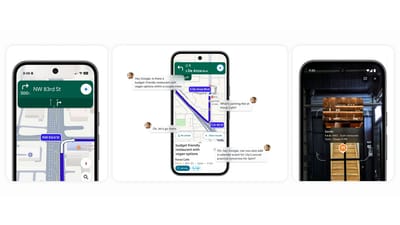
Key Points
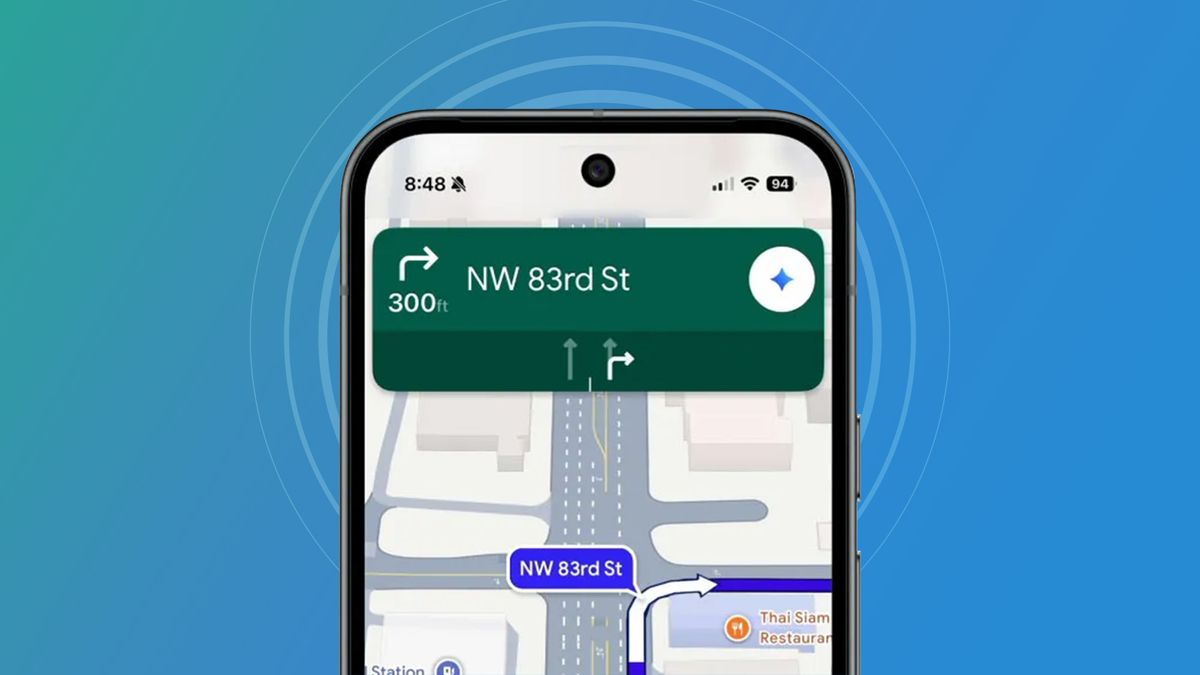
- Gemini button replaces the old Assistant button in Google Maps.
- Users can ask for coffee shops, scenic lunch spots, and traffic updates in natural language.
- AI draws on business listings, reviews, images, and real‑time traffic data for context‑aware answers.
- Gemini remembers prior conversation points, reducing the need to repeat preferences.
- It can suggest alternative routes that meet multiple criteria such as speed, fuel stops, and rest areas.
- Occasional latency of about fifteen seconds was observed, but users found the results worthwhile.
- Overall, the integration makes navigation more conversational and proactive.

Christmas coffee photo

maps
Gemini Becomes the New Voice of Google Maps
Google has officially embedded its Gemini artificial‑intelligence model into Google Maps, swapping the familiar Assistant button for a dedicated Gemini button. This change lets users interact with Maps using natural, conversational language instead of the more rigid keyword queries they were used to.
Conversational Planning on the Go
In practice, the integration lets drivers and pedestrians ask the app for a variety of location‑based recommendations. For example, a user walking to a nearby park can request, “find the best coffee shops along the way, and tell me which one has the highest review score.” Gemini instantly displays several options, highlights the highest‑rated spots, and updates the suggestions as the user moves, all without leaving the navigation screen.
Route‑Based Discovery
When planning longer trips, Gemini can suggest points of interest that fit multiple criteria. A driver traveling to an art gallery was able to ask for “the top three scenic lunch spots along the way that aren’t too expensive and are easy to park at.” Gemini responded with a short description of each venue, including why it was scenic, the type of food offered, star ratings and parking considerations. The suggestions required no significant detours, demonstrating the model’s ability to balance route efficiency with user preferences.
Dynamic Traffic Management
Gemini also extends Maps’ traffic handling. While driving on a slower route, a user asked, “Tell me if there are any traffic slowdowns ahead, and suggest alternative faster routes that also pass by a gas station or rest stop.” Gemini identified an upcoming slowdown caused by roadwork and proposed two alternate routes that were quicker under current conditions and met the additional needs for fuel and a rest area. Each option included estimated travel times and clear markers for the requested amenities.
Context Awareness and Memory
The AI remembers earlier parts of a conversation, so users don’t need to repeat preferences. When a traveler first asked for coffee suggestions and later inquired about lunch spots, Gemini retained the context of the journey and delivered relevant results without redundant prompts. This continuity reduces friction and makes the experience feel more like a dialogue with a knowledgeable assistant.
Performance Considerations
While the integration generally feels smooth, there are occasional latency spikes. In some cases, results took roughly fifteen extra seconds to load. Users noted the delay but found it acceptable given the richer, more tailored information provided.
Overall Impact
The Gemini‑powered Maps experience shifts navigation from a purely point‑to‑point tool to a proactive, conversational partner. By blending Google’s extensive location data with Gemini’s reasoning capabilities, the app can surface nuanced recommendations, handle multi‑criteria requests, and adapt in real time as users move. Early impressions suggest the upgrade enhances usability and may encourage broader adoption of AI‑driven features across Google’s product suite.
Source: techradar.com