
Key Points
- AI browsers embed large language models to answer questions, summarize content, and automate tasks.
- Key examples include ChatGPT Atlas, Perplexity’s Comet, Microsoft Edge with Copilot, and Brave’s Leo.
- Benefits include faster research, reduced tab clutter, and built‑in translation and citation features.
- Security risks involve prompt‑injection attacks, data leakage, hallucinated results, and credential abuse.
- Heavy readers, researchers, and students may gain the most productivity from AI browsers.
- The technology is evolving toward a hybrid model that complements, not replaces, traditional search.
What Is an AI Browser?
An AI browser is a web browser or application that uses artificial intelligence to help users search, summarize, organize, or interact with web content. The definition is still evolving, but the core idea is that an AI model—often a large language model—sits inside the browser and can answer questions, generate summaries, translate text, and even perform actions like filling out forms or booking travel.
How AI Browsers Work
Traditional browsers present a list of links that users must sift through. AI browsers aim to cut through that clutter by interpreting user intent and synthesizing information from multiple sources. They can read webpages, PDFs, and videos, follow links, cross‑check claims, and organize research into folders or threads. Some tools provide citations for specific claims, while others focus on conversational assistance without autonomous actions.
Examples of AI Browsers
Several companies have launched AI‑enhanced browsers or extensions:
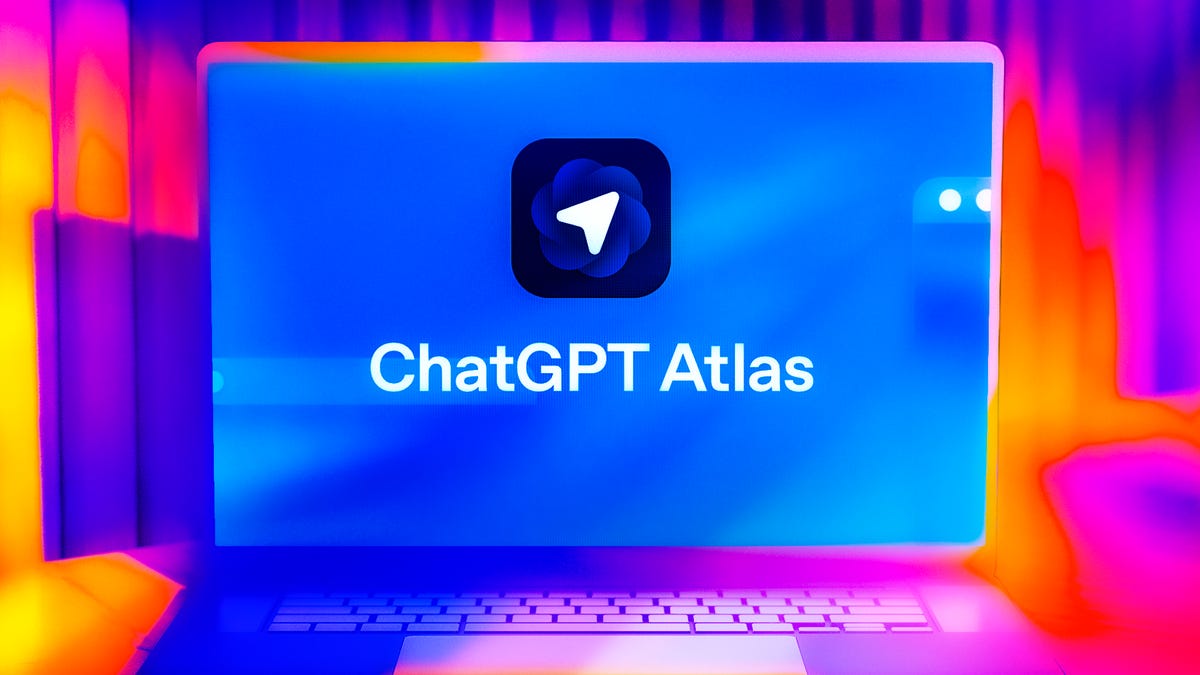
- ChatGPT Atlas – OpenAI’s browser for macOS that integrates ChatGPT directly, retaining context across sessions.
- Perplexity’s Comet – Embeds Perplexity’s AI, offering deep citation links and autonomous shopping assistance.
- Microsoft Edge with Copilot – Provides a sidebar assistant that can answer questions, summarize articles, and generate text without taking independent actions.
- Brave – Known for privacy, its Leo assistant can summarize pages and translate text while staying in a helper role.
- Opera One – Features Aria, an AI assistant in the sidebar, and includes a free built‑in VPN.
- Dia by The Browser Company – Replaces Arc with a chat‑style interface that pulls context from multiple pages.
- Duck.ai by DuckDuckGo – Adds AI‑generated answers and summaries without replacing traditional search.
- Google Chrome with Gemini – Rolls out Gemini‑powered page summaries, writing assistance, and tab organization as add‑ons.
Risks and Security Concerns
Gartner warns of five key risks: indirect prompt injection that tricks AI agents, irreversible data leakage to cloud‑based models, erroneous autonomous transactions caused by hallucinations, credential abuse, and security‑training evasion. Prompt‑injection attacks remain unsolved, and data leakage can be significant because session data may be sent to external AI services. Hallucinations—incorrect or fabricated information—can lead users to trust summaries without checking original sources, potentially missing critical context.
Who Might Benefit
Heavy online readers, researchers, students, and professionals who juggle many tabs or need quick summaries can find AI browsers useful. Those who prefer to read source material directly may view the tools as excessive hand‑holding.
Future Outlook
Traditional browsers continue adding AI sidekicks, while AI chat apps incorporate browsing capabilities. Search is unlikely to disappear; instead, users may blend conventional search with AI‑driven summarization and automation based on personal preferences. Over the next few years, AI co‑pilots are expected to become a standard part of the browsing experience, guiding clicks and streamlining information consumption.
Source: cnet.com