
Key Points
- Adobe launches free Photoshop, Acrobat, and Express integrations inside ChatGPT.
- Users activate apps by naming them alongside an uploaded file and describing the edit.
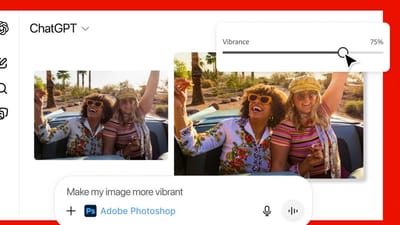
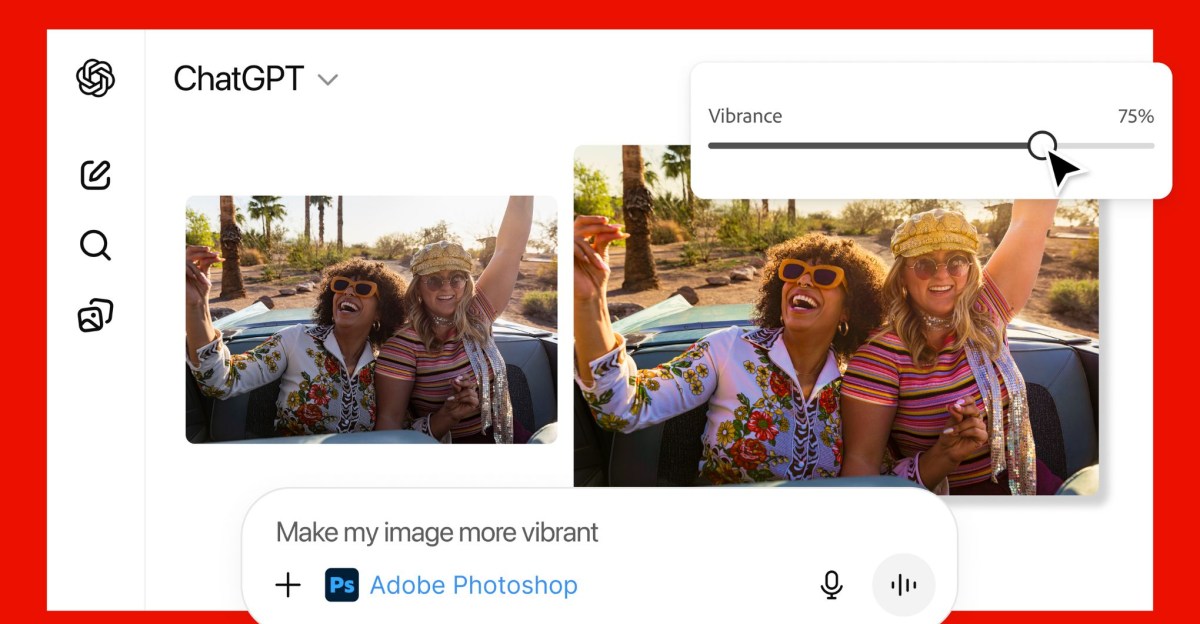
- Photoshop handles targeted image edits and offers slider controls for adjustments.
- Acrobat provides PDF editing, compression, conversion, text extraction, and merging.
- Adobe Express enables creation and full‑screen editing of designs like posters and social graphics.
- Integrations are globally available on desktop, web, and iOS; Express also works on Android.
- Android support for Photoshop and Acrobat is announced as coming soon.
- The rollout follows OpenAI’s earlier app‑integration efforts and aims to counter AI competition from Google’s Gemini.
- Users can move files to Adobe’s native desktop apps for more granular control.
Adobe Apps Integrated Directly Into ChatGPT
Adobe is extending its creative suite into the conversational AI space by offering free, integrated versions of Photoshop, Acrobat, and Adobe Express within ChatGPT. Users can now upload an image or PDF, type the name of the desired Adobe app, and describe the edit they want—such as “Adobe Photoshop, help me blur the background of this image.” The system recognizes the app name for the remainder of the conversation, allowing multiple adjustments without repeated prompts.
Key Capabilities of Each Integrated App
The Photoshop integration focuses on targeted image edits. It can modify specific sections, apply creative effects, and adjust settings like brightness, contrast, and exposure. Users may receive a set of result options or interactive controls, such as sliders for fine‑tuning contrast and brightness.
Acrobat in ChatGPT provides essential PDF tools. It can edit existing PDFs, compress files, convert other documents into PDF format, extract text or tables, and merge multiple PDFs into a single document.
Adobe Express brings design creation and editing to the chat environment. Users can generate posters, invitations, social‑media graphics, and other visual assets, then edit every element—replacing text or images, changing colors, or animating sections—without leaving ChatGPT. For deeper control, files can be opened in Adobe’s native desktop apps to continue work.
Availability and Platform Support
All three Adobe apps are available globally across desktop, web, and iOS platforms. The Adobe Express integration also works on Android devices, while Android support for Photoshop and Acrobat is announced as forthcoming.
This rollout follows OpenAI’s earlier initiative to integrate third‑party apps into ChatGPT, which began with an Express‑style design tool in October. OpenAI had tested promotional messages for these integrations but paused the feature after user complaints about ad‑like content.
Strategic Context and Competitive Landscape
Embedding Adobe’s Creative Cloud tools directly in ChatGPT aims to lower skill barriers for creative work and to keep both companies competitive as AI‑driven editing capabilities expand. The move is viewed as a response to emerging competition, notably Google’s Gemini AI, which introduced its own image‑editing features earlier this year. Adobe’s strategy emphasizes “agentic AI” solutions that allow conversational interaction with its creative applications, extending functionality beyond traditional desktop environments.
Source: theverge.com